For teams of 5 to 250
Leave and attendance, with records you can explain.
Employees check in, check out and apply for leave. Managers approve from one inbox. Administrators close the month with a payroll handoff they can stand behind — every number traceable to the event and the policy that produced it.
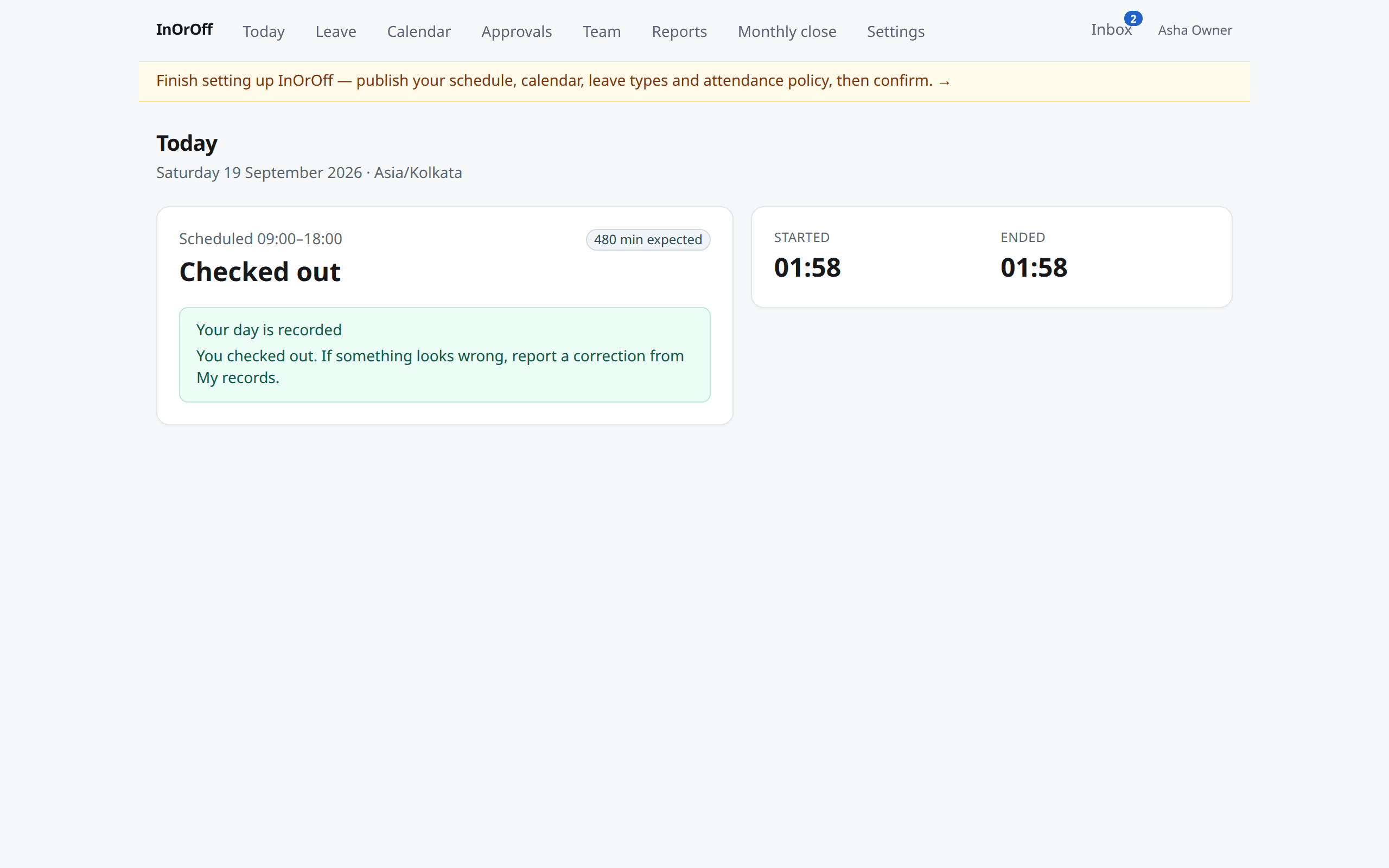
Three actions for employees. One inbox for managers.
The product feels small on purpose. Policy machinery stays with administrators; everyone else sees only what they need.
Check in, check out
From their own browser, on the office network if you require it. The server decides the time and the place — a laptop clock or a forged header changes nothing.
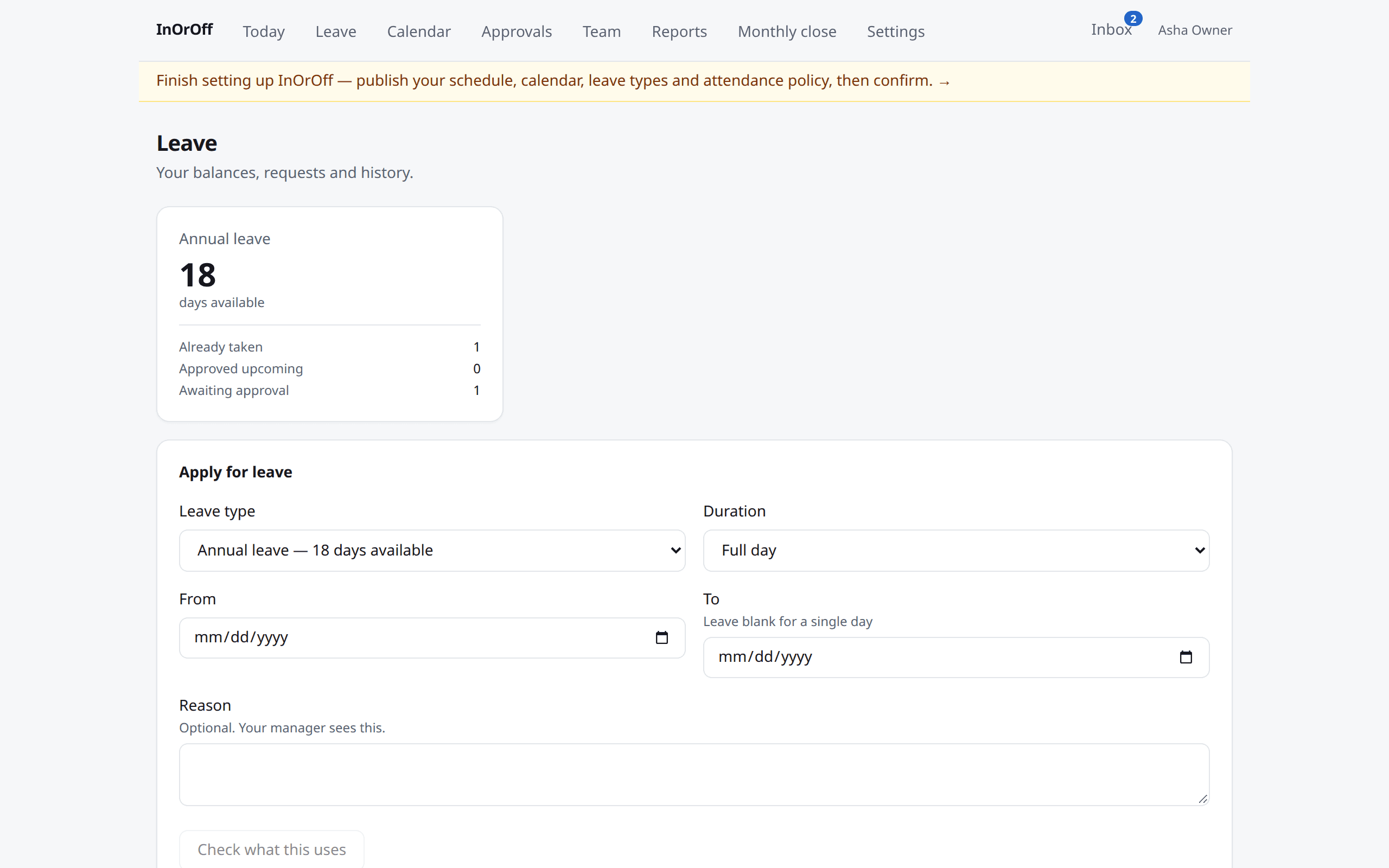
Apply for leave
The debit is shown before sending: which days count, which are holidays or rest days, what remains afterwards. Half days are computed from the real schedule, never assumed.
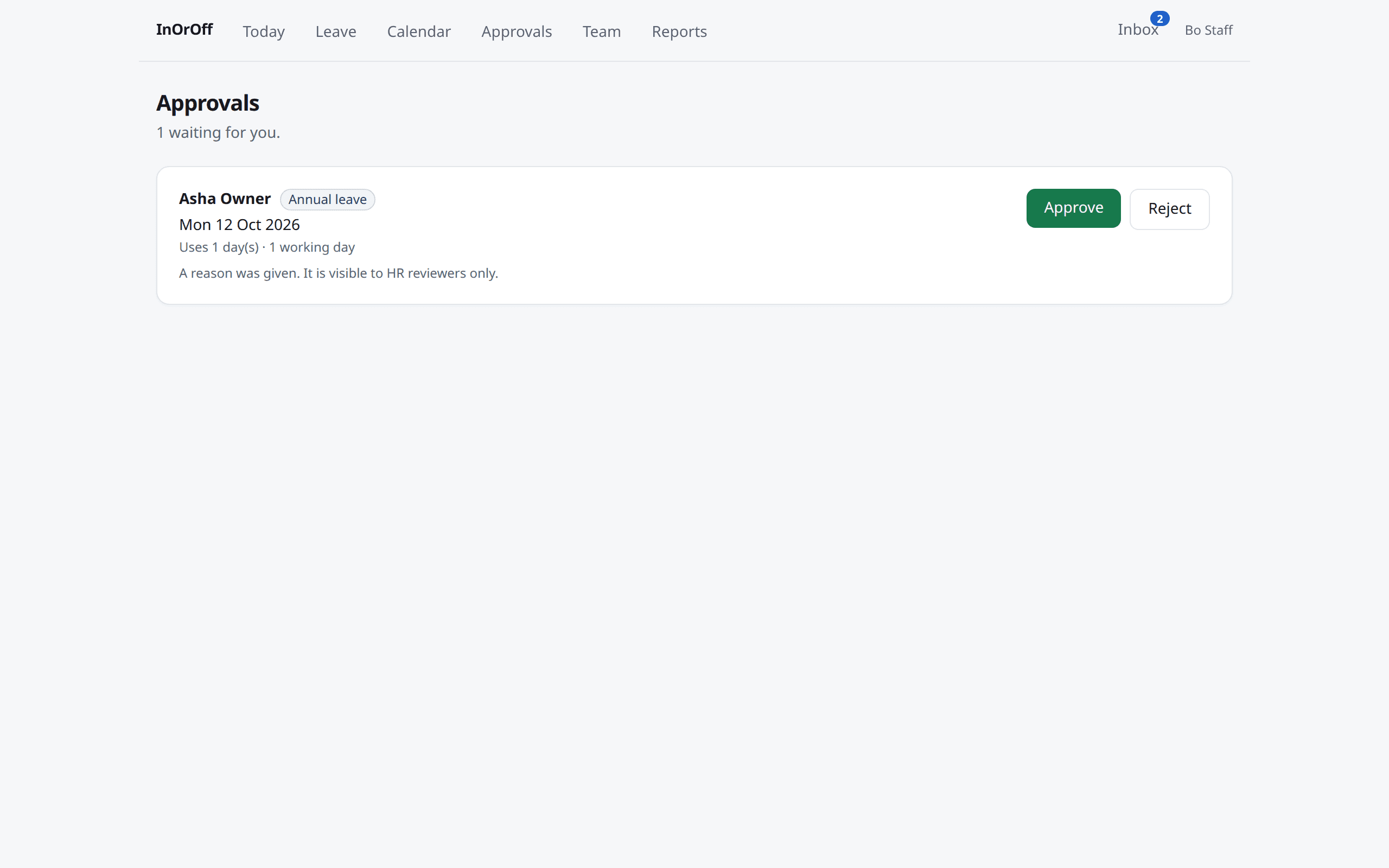
Approve from one place
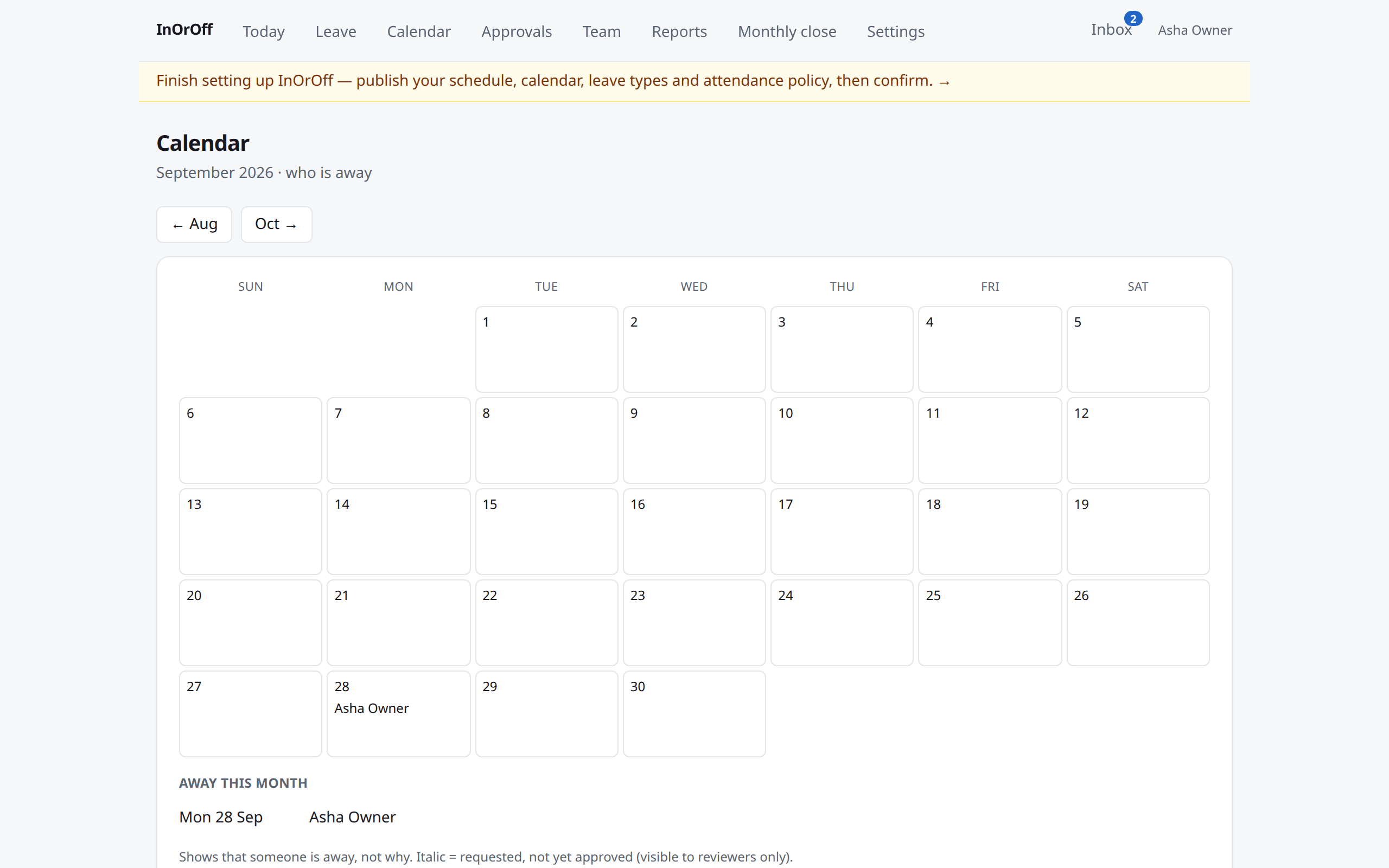
Managers see what waits for them, with dates and impact. Reasons and medical evidence are for HR reviewers only. Nobody can approve their own request.
Attendance evidence that stays honest
A real checkout, an approved correction and an automatic closure are always distinguishable.
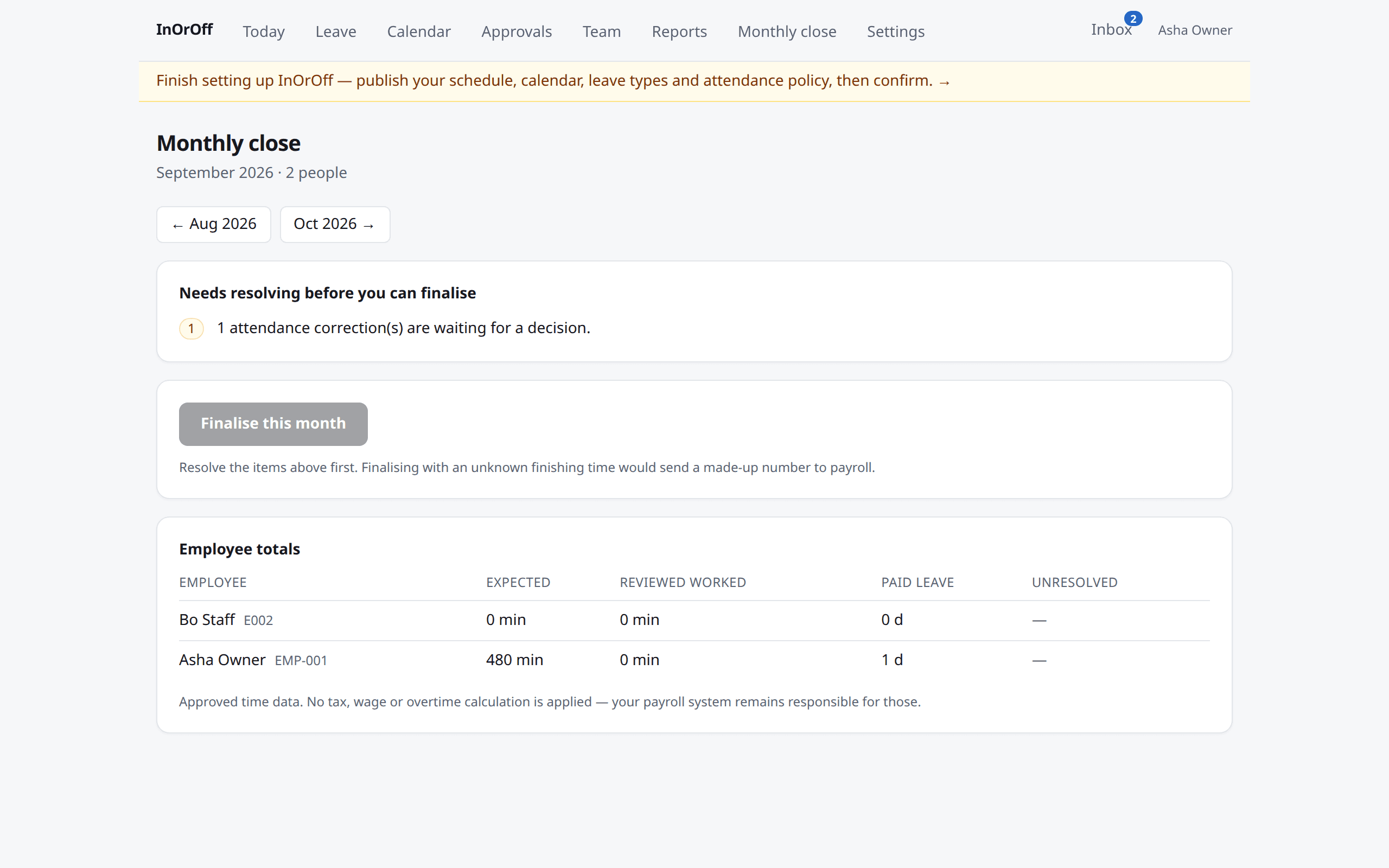
A forgotten checkout is closed administratively at the deadline. The record says exactly that; it never invents a departure time or a worked total.
Unknown is unknown.
A day whose end is missing exports as UNKNOWN, never as zero and never as the scheduled end — a payroll system should ask, not pay nothing.
Corrections are reviewed, and the original stays.
An employee reports what happened; a manager approves; the new event points at the one it supersedes. History is never overwritten.
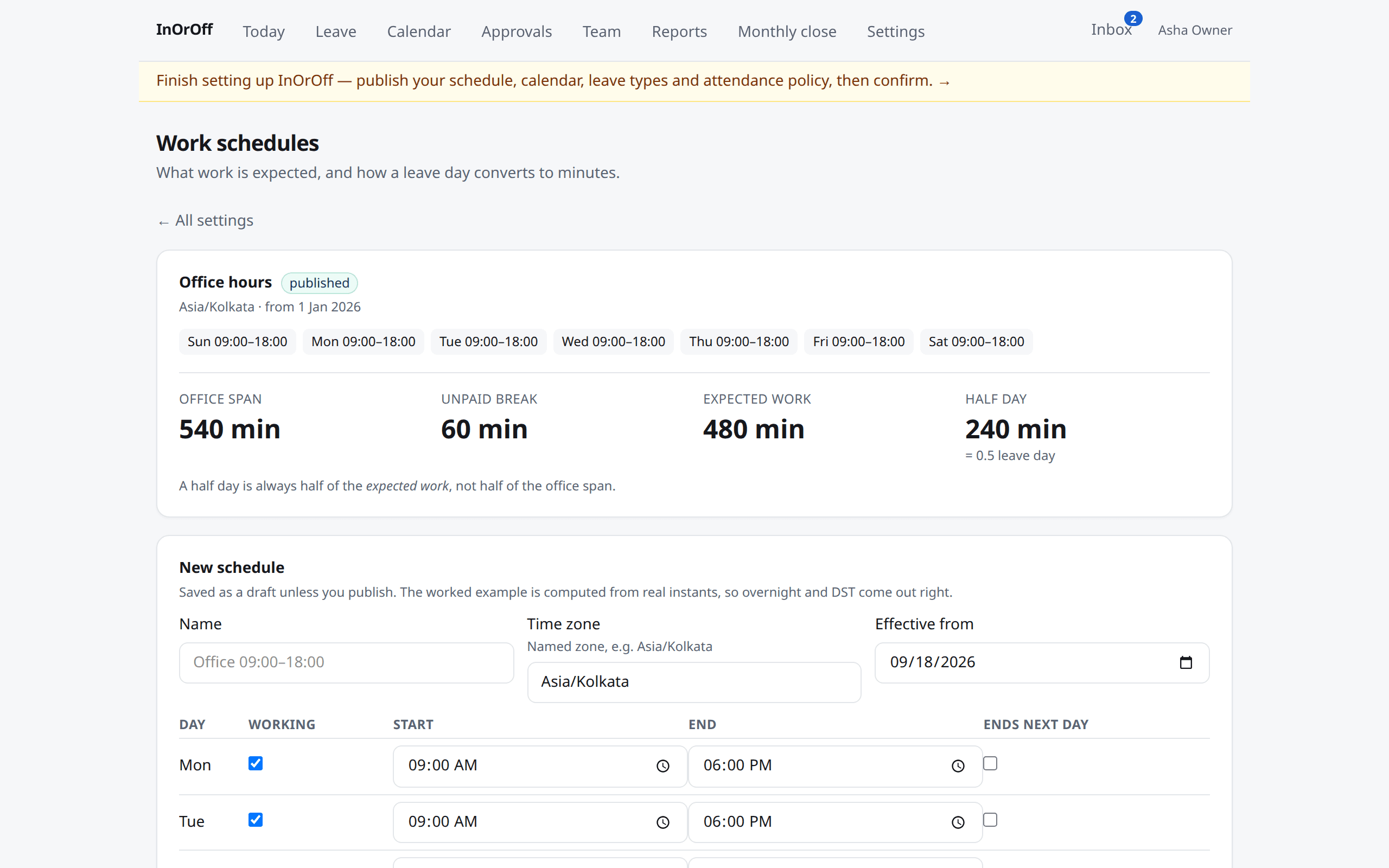
Overnight shifts and daylight saving come out right.
Durations follow real instants, not clock arithmetic. A 22:00–06:00 shift belongs to the day it started.
A monthly close you can defend
A readiness check names what still needs attention. Finalising freezes a numbered version; the CSV and PDF of that version say the same thing in a year's time. Later corrections become a new version — the old file stays.
Security by construction
Tenant isolation in the database
Row-level security is enforced on every table; the application role cannot bypass it. A guessed id from another employer returns nothing — not even a count.
Two-factor and step-up
Authenticator-app 2FA for everyone who wants it; changes that affect the whole organisation ask the administrator to confirm it is them, every session.
Private files, scanned first
Medical evidence is stored privately, quarantined until a malware scan says clean, and readable by its subject and HR reviewers only.
Everything is audited
Decisions, corrections, policy changes, exports and downloads carry who, when and why. Application roles cannot edit the audit history.
Your data leaves with you
One export of everything your organisation entered and everything computed for it, any time, without asking us.
No surveillance
No biometrics, no screenshots, no keystrokes, no tracking between check-ins. If your employer switches it on, a phone check-in can record one word — at the site or away from it — and never your coordinates.
Two flat plans. Every feature in both.
Plans differ by how many active employees they hold, not by which controls you get. Security, corrections history and data export are never extras.
Trial
Free for 90 days
Everything, for up to 50 people. No card.
Team
$10 / month
billed yearly — $120 a year
Up to 50 active employees · 2 GB for evidence and exports · every organisation and location you have.
Business
$50 / month
billed yearly — $600 a year
Up to 250 active employees · 10 GB for evidence and exports · every organisation and location you have.
USD, per workspace, before tax. Paid plans are billed yearly. Details and what counts as an active employee →
Straight answers
- Is this payroll?
- No. InOrOff prepares approved time — expected and worked minutes, paid and unpaid leave — as a versioned handoff. Tax, wages and overtime rules stay with your payroll.
- Do you track location or take photos?
- No. The only network control is an optional office-network requirement for check-in and check-out, decided by the server, not the device.
- Who can see a medical certificate?
- The person it is about and HR reviewers. Not managers, not the calendar, not us.
- What happens when the trial ends?
- Nothing is deleted. The workspace goes into a restricted mode where exports and billing stay open; choosing a plan reopens it exactly as it was.
- Can I import my people?
- Yes — a CSV with a dry run first, and a repeat of the same file changes nothing.
- Where does it run?
- On infrastructure we operate ourselves, with a verified database checkpoint before every release. We will tell you the hosting region before you pay.
Set up an organisation this afternoon.
A guided six-step setup: schedule, holidays, leave types, attendance policy, people. Confirm when you have reviewed it.
Start free trial